ipynb2PDF

Convert ipynb to PDF — Free Jupyter & Python Notebook Converter

Convert Jupyter notebooks (.ipynb) and Python notebooks to PDF for free — directly in your browser. No upload needed. Perfect code highlighting, LaTeX formulas, and charts.

100% Local No Upload Free

Drop your .ipynb file here

or click to browse

See the Difference

Your notebook, transformed into a professional PDF — ready to share.

Jupyter Notebook
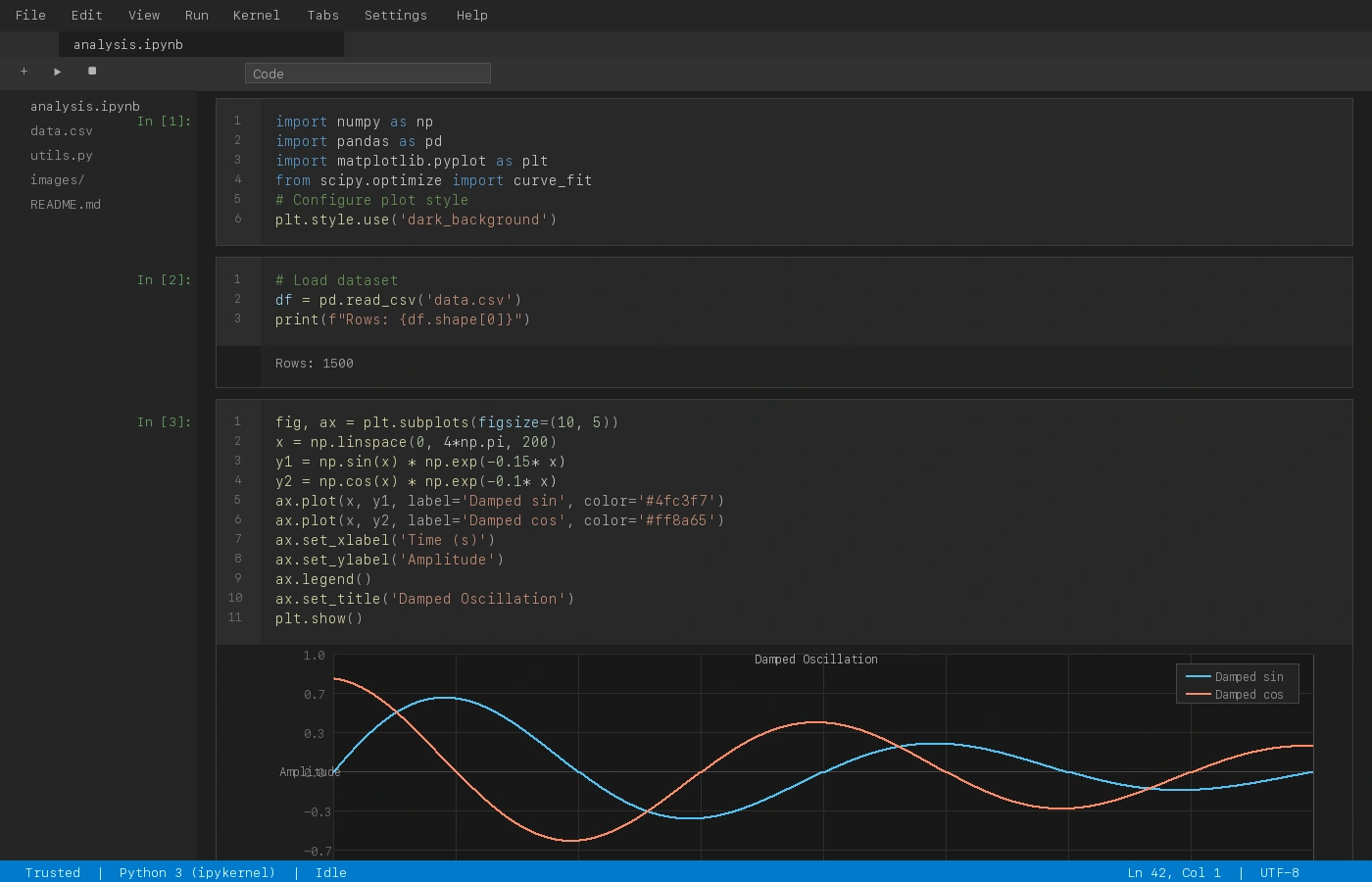
Jupyter Notebook interface

Code, math, and charts in a raw notebook

Converted PDF
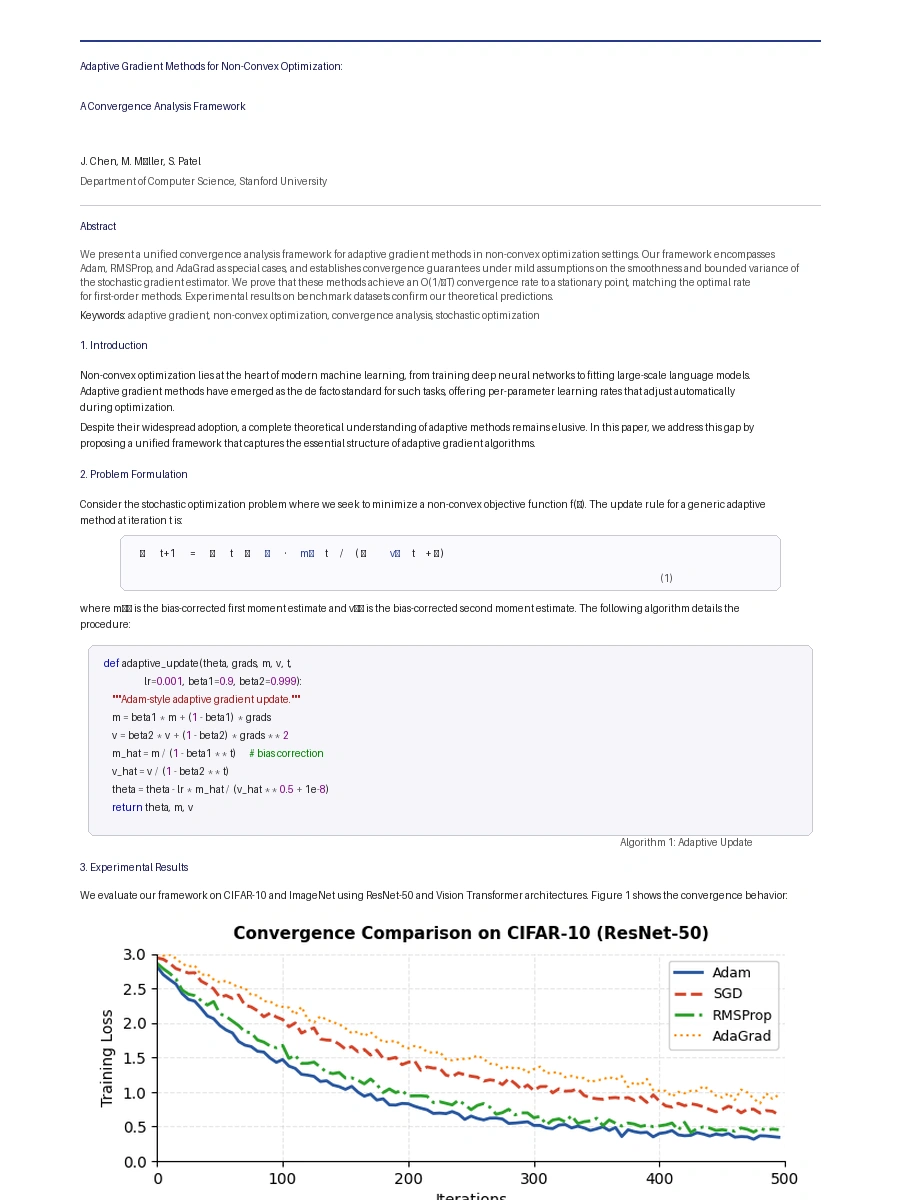
Converted PDF document

Clean, professional output with ipynb2PDF

How to Convert ipynb to PDF in 3 Steps

1

Upload Your Jupyter Notebook

Drop or select your .ipynb file. It stays on your computer — nothing is uploaded.

2

Choose Code Theme & PDF Template

Pick Monokai, One Dark, Dracula or GitHub Light. Preview your PDF before downloading.

3

Download Beautiful PDF

Get a high-quality PDF with code highlighting, LaTeX formulas, and charts preserved.

Why Use ipynb2PDF — Free Jupyter Notebook to PDF Converter?

100% Private — No Upload, Browser Only

Your notebooks never leave your browser. All conversion happens locally using JavaScript — no server, no file storage, no privacy risk.

Beautiful Code Highlighting in PDF

Professional syntax highlighting with Monokai, One Dark, Dracula, and GitHub Light themes. Python, R, JavaScript, and more languages supported.

LaTeX Formulas Render Perfectly

Math equations rendered using KaTeX. Both inline ($...$) and display ($$...$$) LaTeX formulas are fully supported in the PDF output.

Charts & Plots Embedded in PDF

matplotlib, seaborn, and plotly outputs embedded as high-quality images in the PDF — at full resolution, not screenshots.